React Native App File Structure
Looking for new opportunities in mobile app development and trying to enhance my skills in same field.
Hi Everyone, In this blog, We’re going to cover App file structure of your react native application.
So, let’s start with it and at the end of the article, you’ll find yourself with enough knowledge that’s required for interview purpose also.
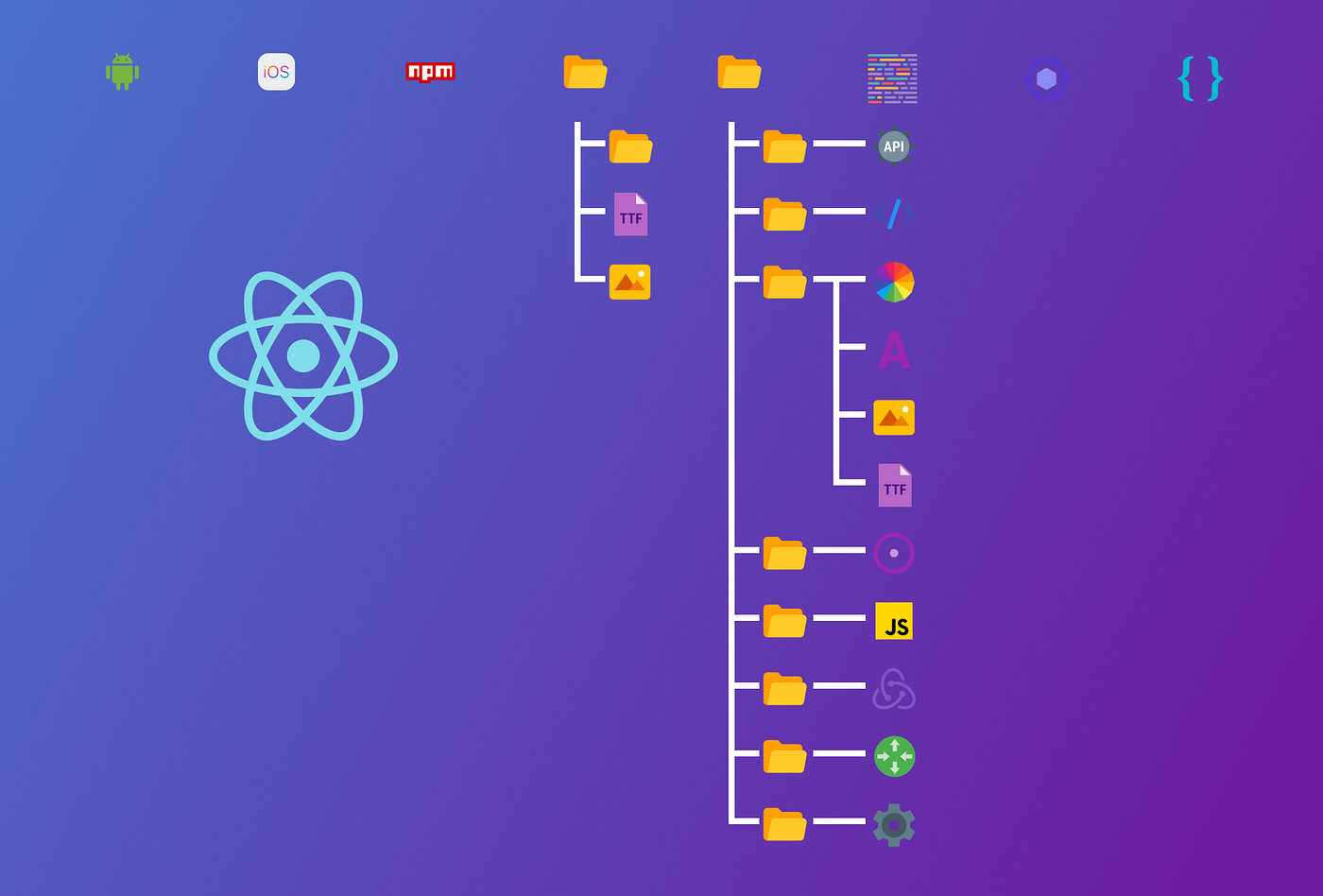
When you create a new application in react native the folder gets created with your application name which have sub files and folders created in it that are required for any application to run.
We are going to explore the purpose of different files and folders of react native app.
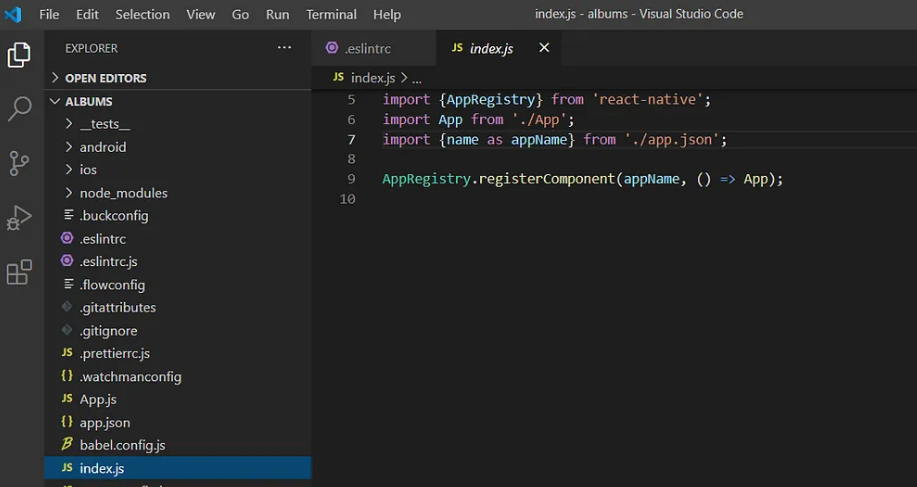
index.js file: Is the entry point of JavaScript in your application and it does the app-registry of components. It import “App.js or App.tsx” file which further can import other file component\screen which are required in your application.
package.json file: This file holds the information of your application such as app name, version, script command for android and ios platform to run the app and comprises of all the libraries\dependencies and their version information installed in your application.
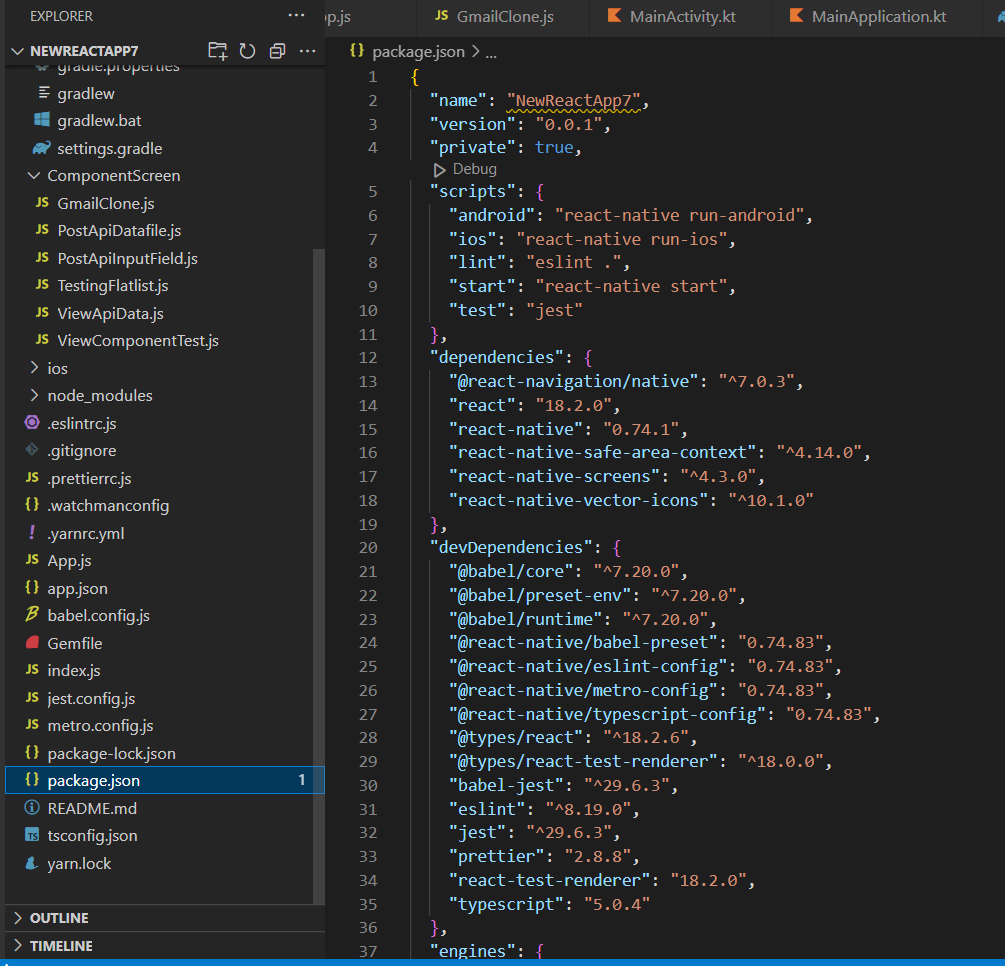
package-lock.json file: This file contains the information of sub-packages of the installed libraries.
metro.config.js file: It helps to fast reload the application post saved a change in your app.
babel.config.js file: It transpiles your JS code into the one which is understandable by the browser.
App.js file: This is the first component of your application where you write the code and gets output on the screen and you can create other components(screens) as per your business requirement and import them in App.js file.
eslintrc file: es stands for ECMAScript and in this file you can do the configuration of ECMAScript.
ios and android folder: These folders use to create a build in android and ios devices.
watchmanconfig file: This file regularly checks for changes in the application and with the help of metro.config file displays the saved change in UI screen.
node_Module folder: This folder consists of sub-packages and dependencies installed w.r.t libraries.
For ex. you have installed react-native-paper library and it might also have internal sub-dependency so it will create package wrt it under node module folder. Also this is a heavy package and can’t be pushed to git.
gitignore file: This file displays the list of files or folders which you don’t need to push on git as these files or folder gets auto-generated when you push your code to git.
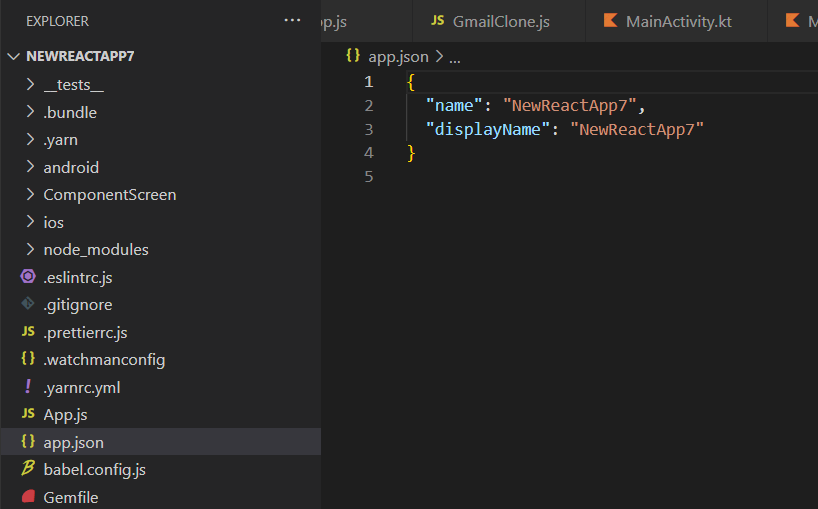
App.json file: This JSON file displays the name of your application.
Conclusion
In this article we’ve learned about purpose and usage of different files and folders of your react-native application.
That’s all for now!
Join me in next article where we will come up with new topics.
Thankyou for reading! Cheers…🎉🎉